Scopes
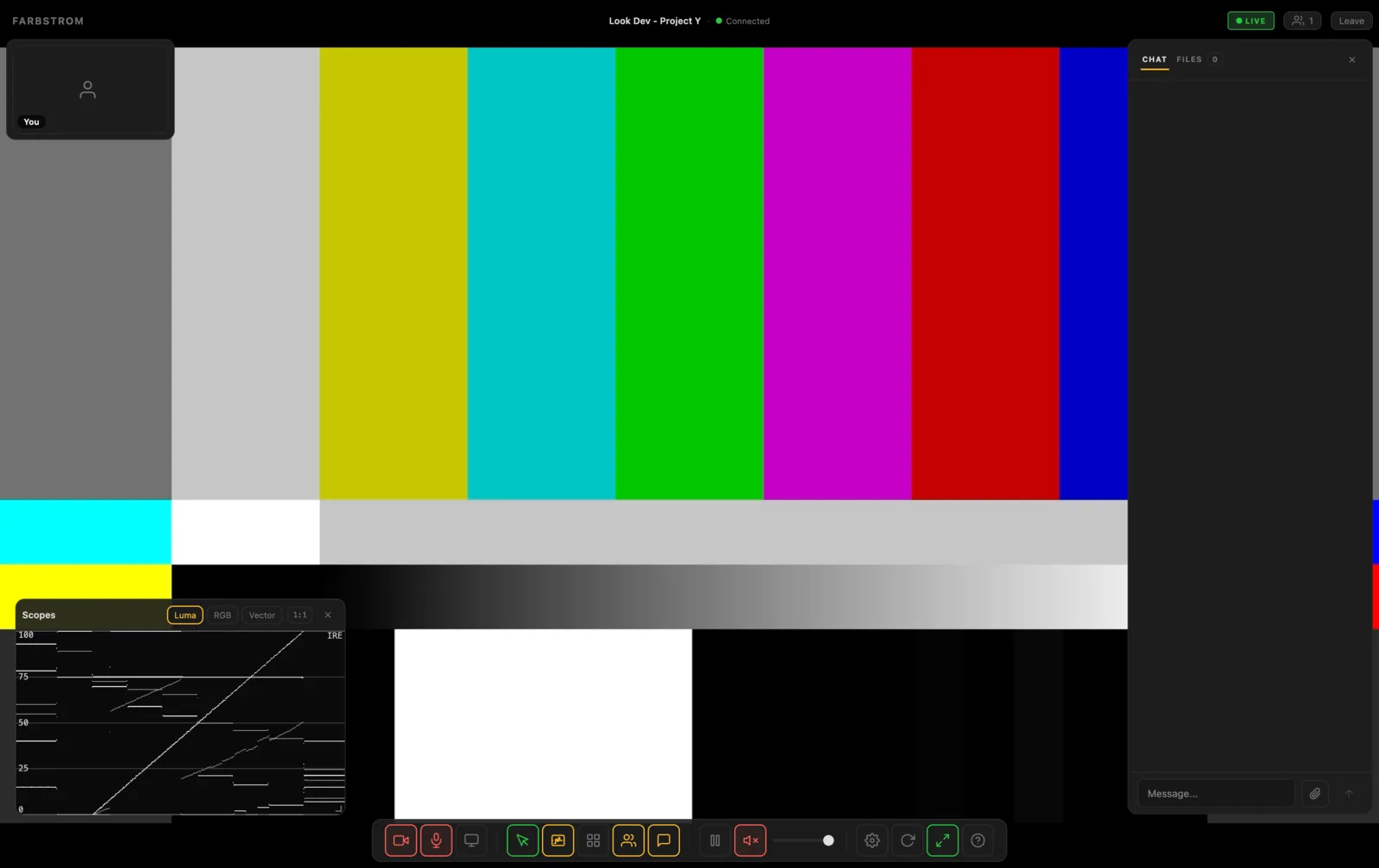
The scopes let you measure the picture instead of judging it by eye. The Scopes button (W) opens a floating window with a live scope of the stream, or of the file the host is showing on the stage.
The three scopes
You choose one scope at a time with the buttons at the top of the window. Luma is a luma waveform scaled from 0 to 100 IRE. RGB is an RGB parade with the red, green and blue waveforms side by side. Vector is a vectorscope with a skin tone line and color targets. The vectorscope can be zoomed from 1× up to 16× with the zoom buttons or the scroll wheel. Only the trace is magnified, so the targets stay in place as a reference.
All scopes measure the picture as Rec.709.
Moving and sizing
You can drag the window by its title bar to place it anywhere over the room, and drag its corner to resize it. The window always keeps a 16:9 shape. Farbstrom remembers its position, its size and the scope you picked, so the window opens the same way the next time.
Sampling
The 1:1 button sets how finely the picture is sampled, either 1:1 (full), 1:2 or 1:4. The lower settings use less processing power, which can help if the room feels slow with the scopes open on an older computer. The scopes update up to 15 times per second and stop completely while the window is closed or the browser tab is in the background.
When scopes aren't available
The Scopes button only appears when there is a picture in your browser to measure. In a call mode room or in a Farbplay only room it is hidden.
Not for HDR measurement
The scopes read the picture as your browser displays it. For SDR this is the actual signal. However, with an HDR stream the browser has already tone mapped the picture to SDR before the scopes see it, therefore the readings don't reflect the HDR signal. The highlights are compressed and absolute brightness in nits can't be measured, so you should use the scopes in your grading software for HDR.