Settings
The Settings tab holds the security settings for the admin and the encryption settings for SRT streams.
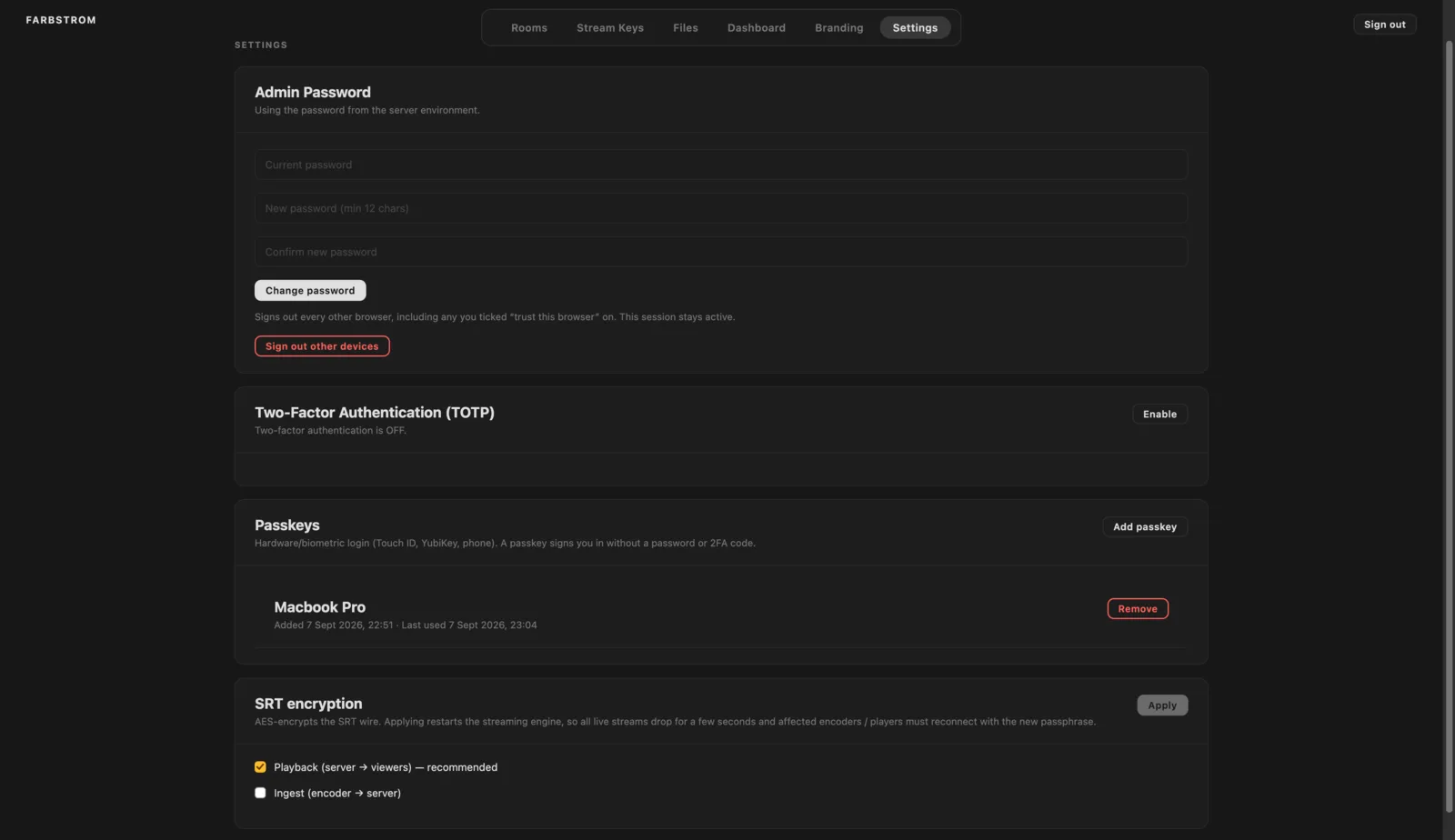
Password
You can set a new admin password under Change password. It needs to be at least 12 characters long and you will be asked for your current password. Changing the password also signs out every other browser that is logged in to the admin, while the browser you are using stays signed in.
Sign out other devices
Sign out other devices ends every other admin session without changing the password, including browsers where Trust this browser was ticked at sign in. You will be asked for your password to confirm. This is useful after you have signed in on a shared or borrowed computer.
On the sign in screen, Trust this browser keeps you signed in for 90 days instead of the usual 7, therefore you should only tick it on a computer you control.
Two-factor (TOTP)
Click Enable, scan the QR code with your authenticator app or type in the secret, and confirm with a 6-digit code. Keep the recovery codes somewhere safe, as they are the only way back in if you lose access to your authenticator. Disable turns two-factor authentication off and asks for a current code first.
Passkeys
A passkey lets you sign in with Touch ID, a YubiKey or your phone instead of the password and two-factor code. Click Add passkey, give it a name and follow the prompt. Your passkeys are listed below and you can remove them at any time.
SRT encryption
Farbstrom can encrypt SRT streams with AES, and each direction can be turned on separately. Encrypting Playback (server to viewers) is recommended, as this part of the connection goes over the public internet. Encrypting Ingest (encoder to server) is worth it if your encoder isn't on a trusted network. Tick the ones you want and click Apply.
WARNING
Applying restarts the streaming engine, so every live stream drops for a few seconds and the encoders or players on the changed side have to reconnect with the new passphrase. It is best to change this between sessions.
When encryption is on, the passphrase is included in the SRT URLs on the Stream keys tab, so copy them again after applying.