Joining a room
Participants join a room from a link and don't need an account.
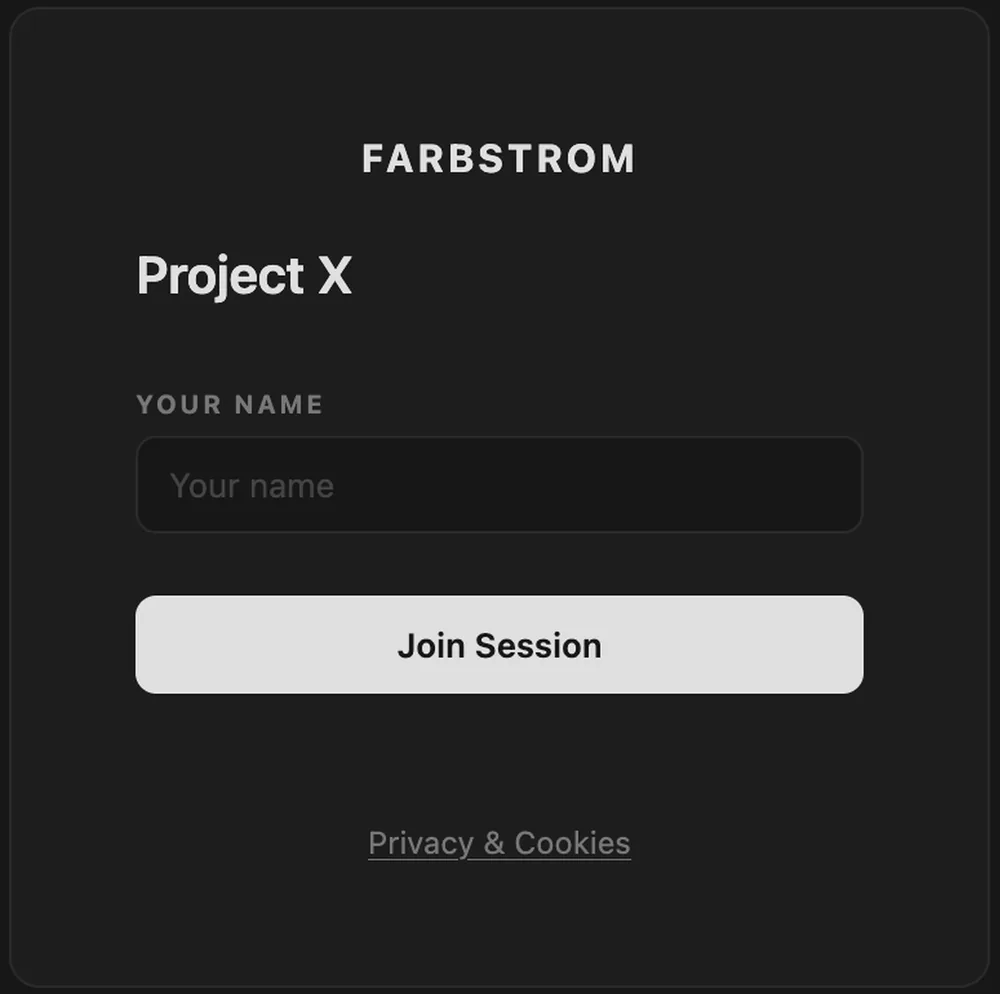
Open the room link
The host sends you a link that looks like https://<host>/watch/<slug>. Open it, enter your name and the room password if there is one, and click Join.
If you open https://<host> without a room link, you will be asked to paste your room link or to ask the host for it.
Arriving early
If the room has a start time and you arrive early, you will see when the session starts together with a countdown. Leave the page open and you will be let in automatically when the session begins.
Waiting room
If the host has turned on the waiting room, you will see a holding screen until the host admits you, and the room opens by itself once they do. In a room with a start time, the countdown comes first and the waiting room after it.
The room tour
The first time you join a room on a device, Farbstrom offers a short tour that points out each part of the toolbar in turn. You can skip it at any step, and if you want to see it again later you can open it from the ? button in the toolbar.
If you're removed or the session ends
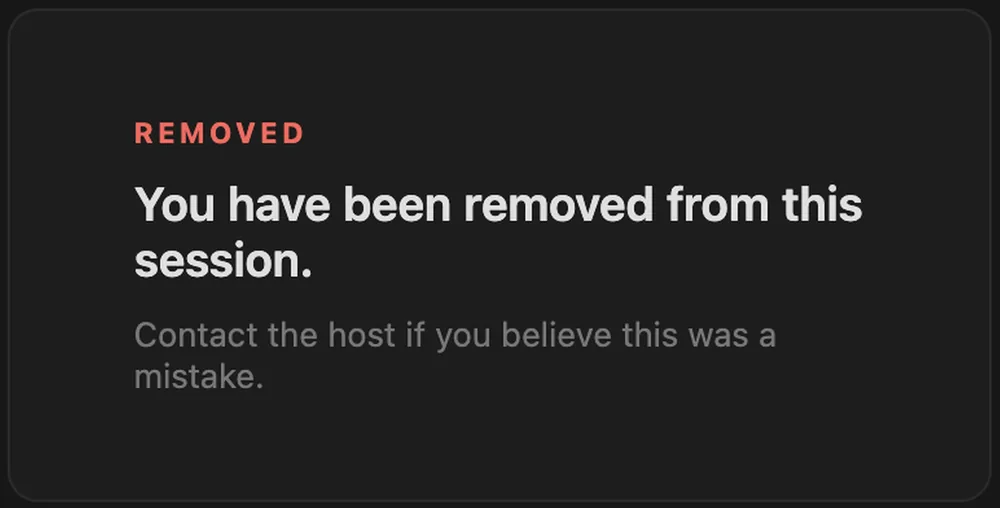
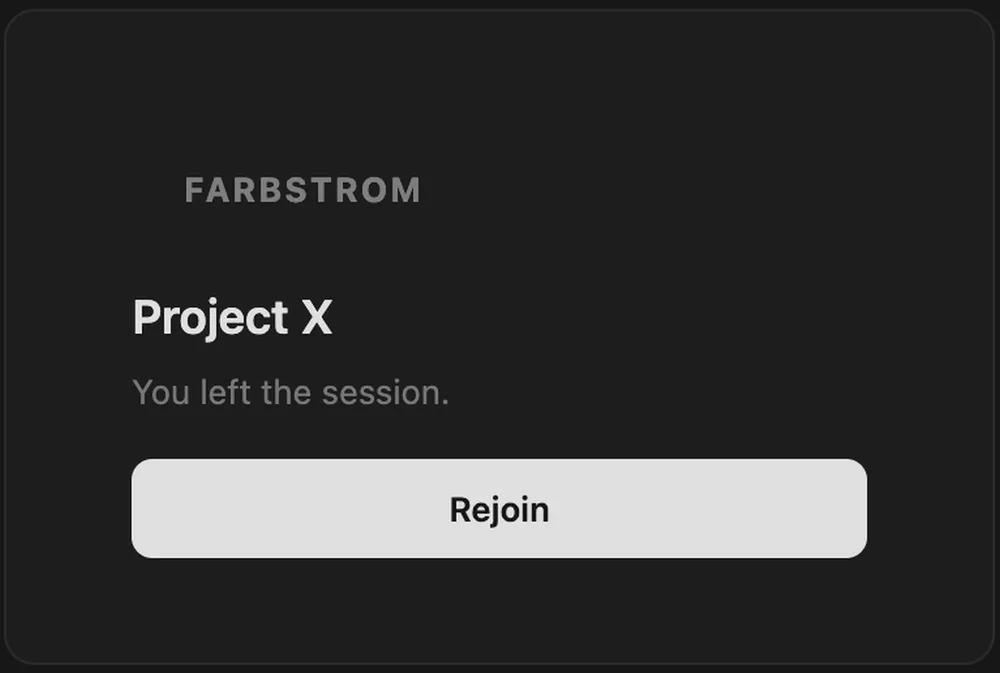
If the host removes you from the room, you will see a notice and can contact the host if it was a mistake. If the session has ended, there is nothing more to do. If you leave the room yourself, you can click Rejoin to go back in with the same link as long as the room is still open.
Once you're in, see Conference & devices to turn on your camera and microphone.