Layout & pointer
You can arrange the room to suit the review, and follow the host's pointer on the picture.
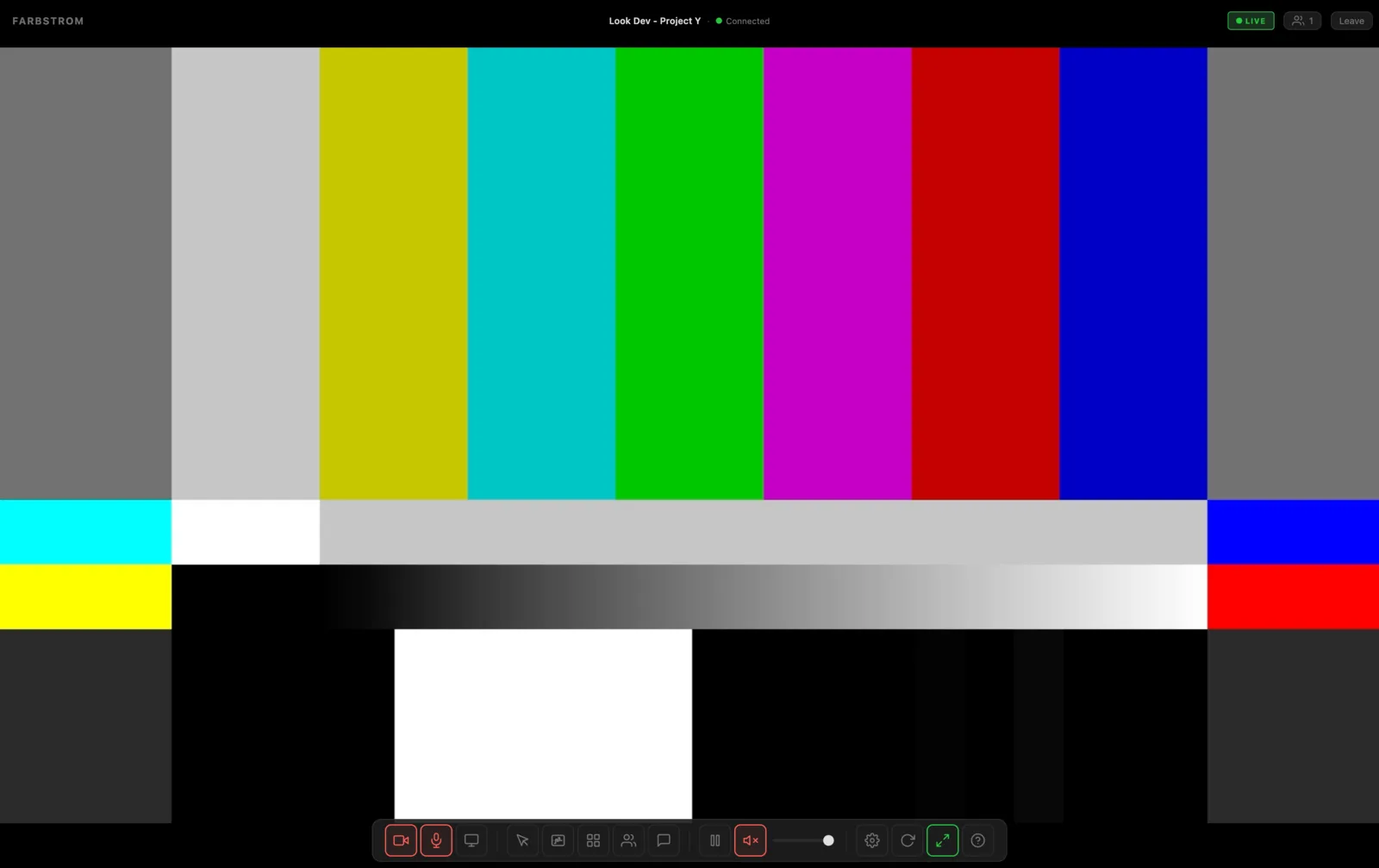
The stream comes first
The picture fills the whole window and everything else sits on top of it. The room name and status are at the top, the toolbar is at the bottom, the participants are in a panel in the top left corner and the chat is on the right. The picture is never cropped to fit the window, so if its aspect ratio doesn't match your window you will see bars around it instead of a cropped frame.
If you don't move the mouse for a couple of seconds, the top bar and the toolbar fade out so that nothing covers the picture. They come back as soon as you move the mouse, tap the screen or press a key.
Focus and grid
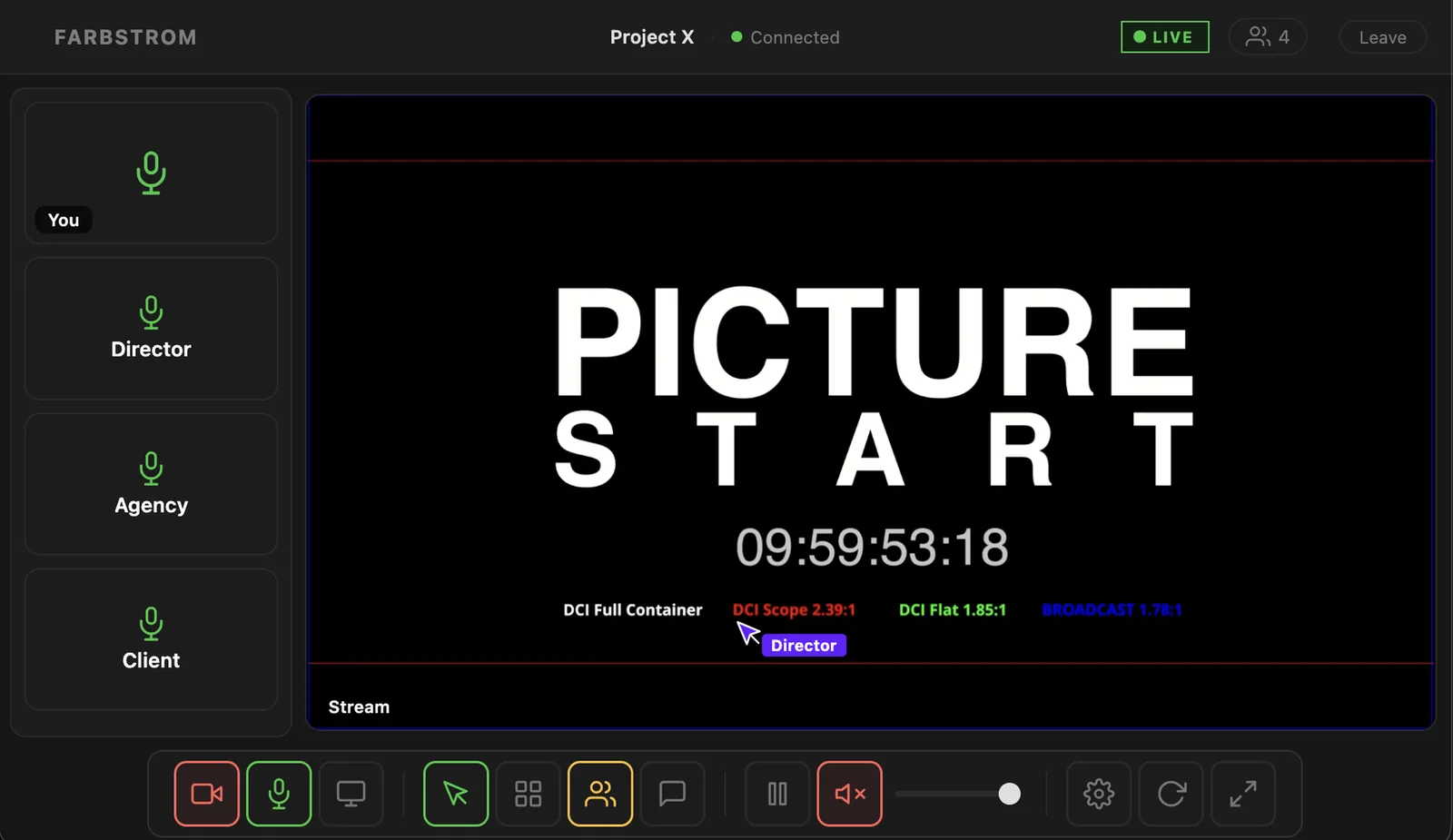
In focus view one tile fills the window. This is the stream, or a screen share if someone is presenting one. The cameras are shown in the participant panel in the top left corner, which shows up to eight tiles and scrolls if there are more. You can show and hide the panel with V.
In grid view every tile, including the stream, screen shares and cameras, is the same size. X switches between focus and grid.
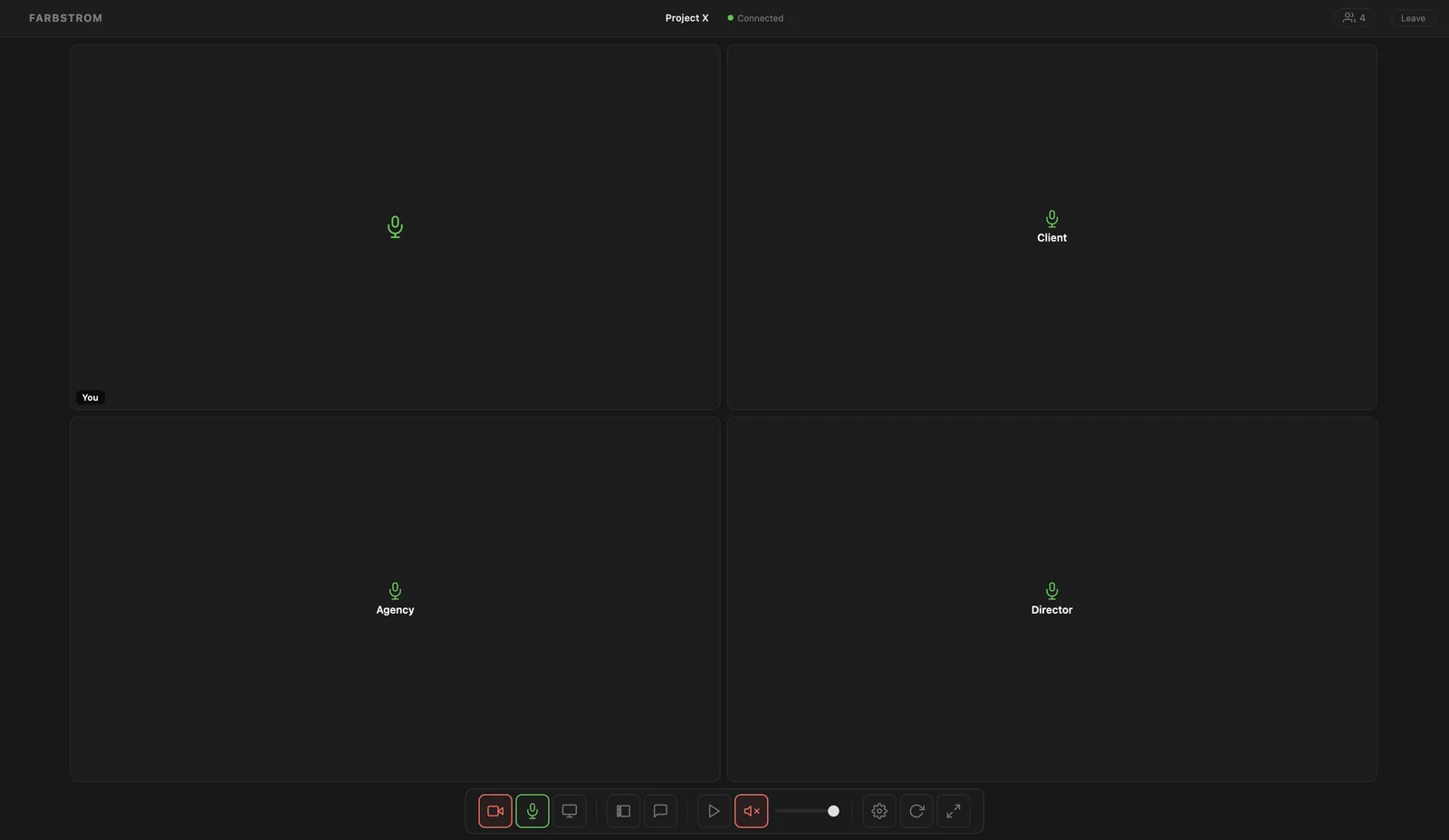
Whoever is speaking gets a ring around their tile.
The stream and screen share tiles have a pin button in their top right corner which puts that tile in focus. When the host pins a tile it is pinned for everyone, while pinning a tile yourself only changes your own view.
Shared pointer
In focus view the host can turn on the shared pointer with D. Their cursor then appears on the stream for everyone, so they can point at the exact part of the frame they are talking about.
Scopes
If you want to measure the picture, you can open the scopes with W. They show a waveform, an RGB parade and a vectorscope of the stream.
Fullscreen
F hides the browser's toolbars and tabs so the room fills the whole screen. The participant panel and the chat are hidden in fullscreen and come back the way you left them when you exit.
On a phone
On small screens, the controls that are used less often (layout, screen sharing, scopes, playback, devices and the tour) are moved behind the ⋯ button in the toolbar.