Files
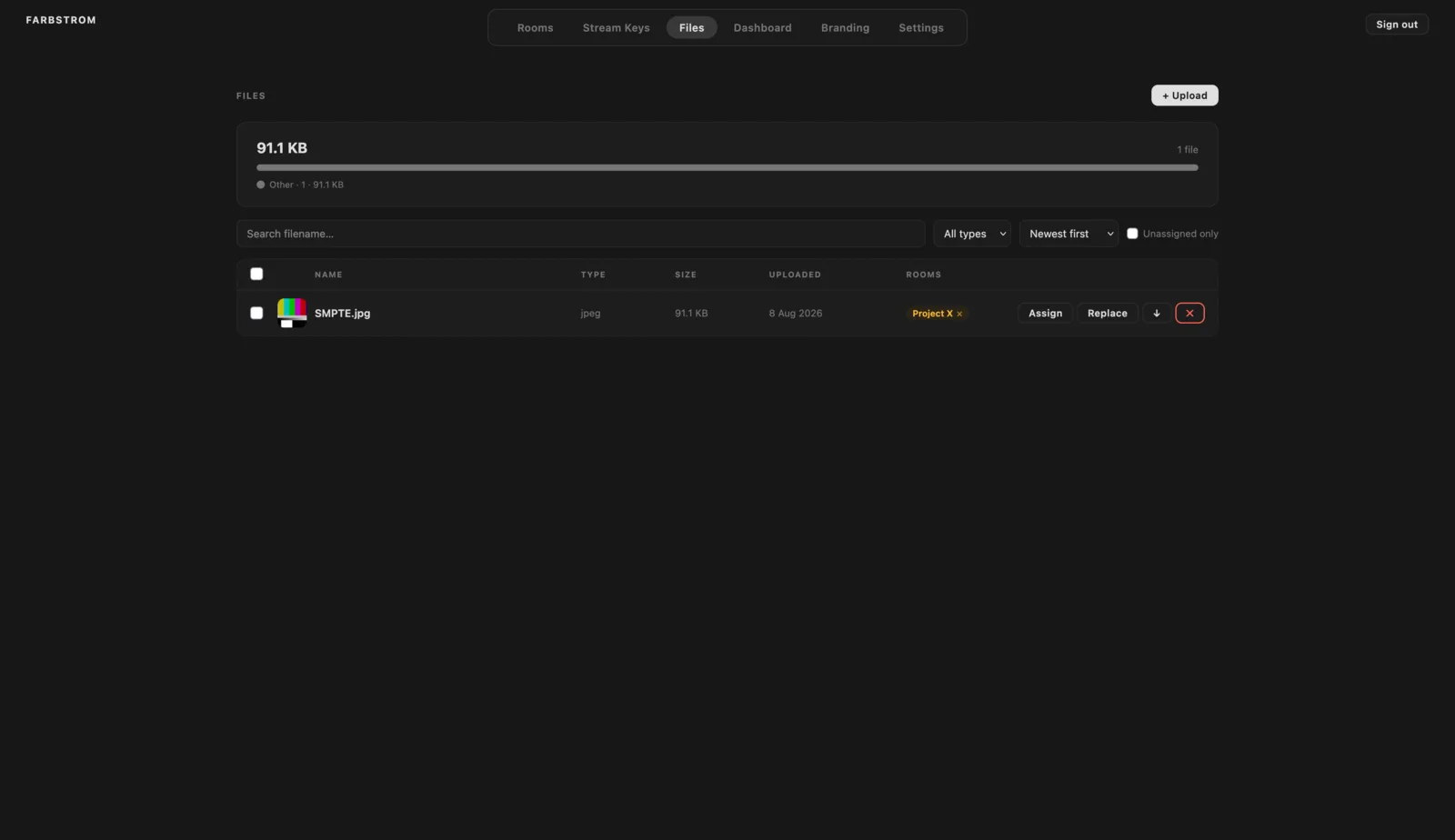
The Files tab is your library of reference files, such as stills, clips or PDFs, that you want to share in rooms.
Upload
Click + Upload and select your files, or drag them onto the file list. Each file shows a progress bar while it uploads. The storage overview at the top shows the total space used, broken down by file type.
Find files
You can search files by name, filter them by type (images, video, audio, PDF and documents) and sort them by date, name, type or size. If you tick Unassigned only, the list only shows files that aren't attached to any room yet.
Assign to rooms
A file only appears in the rooms you assign it to. Click Assign on a file, or select several files and click Assign to room…, and then tick the rooms. Participants can then download the files from the Files panel in the room (see Chat & files).
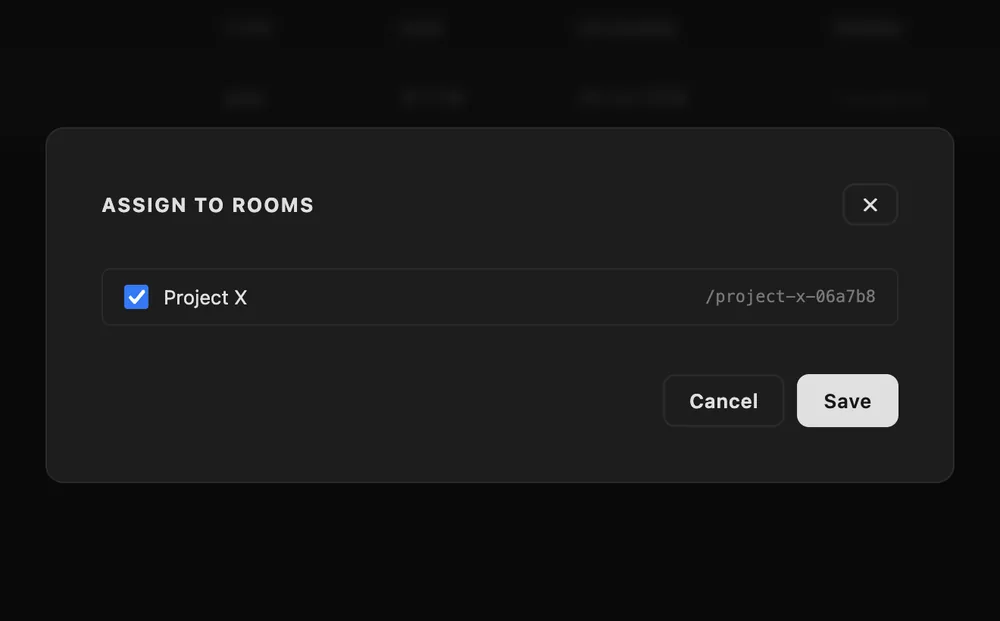
The Rooms column shows which rooms each file is assigned to. Clicking the × next to a room unassigns the file from it.
Manage
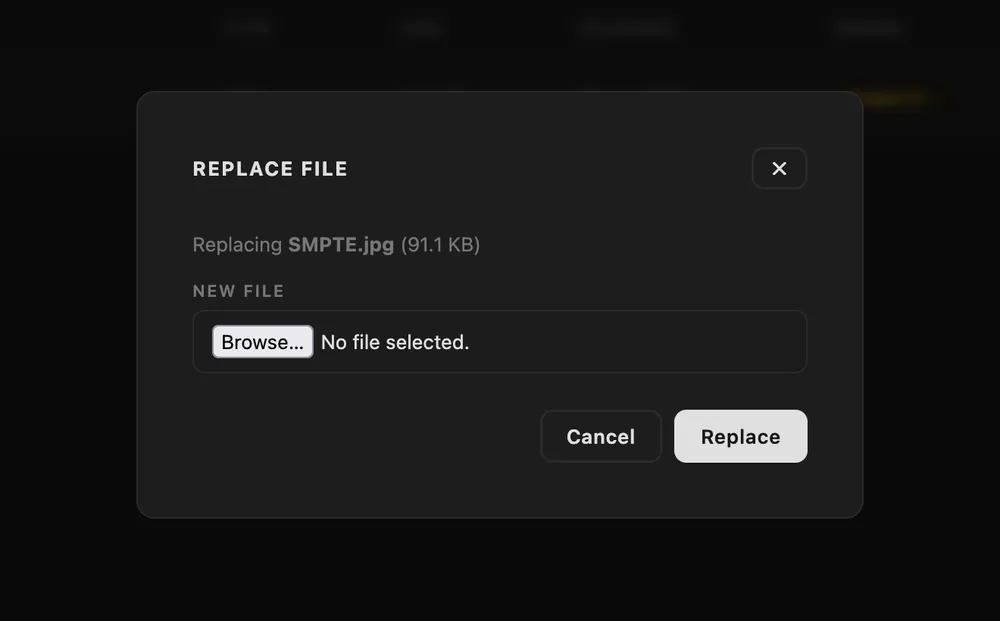
Clicking the thumbnail of a file opens a preview, and clicking its name lets you rename it. Replace swaps the file for a new one while keeping its room assignments. The ↓ button downloads the file and ✕ deletes it.
Select several
When you tick one or more files, a bar appears with Assign to room…, Delete selected and Clear.
The checkbox in the list header selects every file that is currently listed, so you can combine it with a search or a filter to select a specific group of files. You can also press on a checkbox and drag up or down the list to tick or untick several files in one go.
If you change the search or the filter, files that are no longer listed are removed from the selection. This way a bulk delete only affects files you can see.