Chat & files
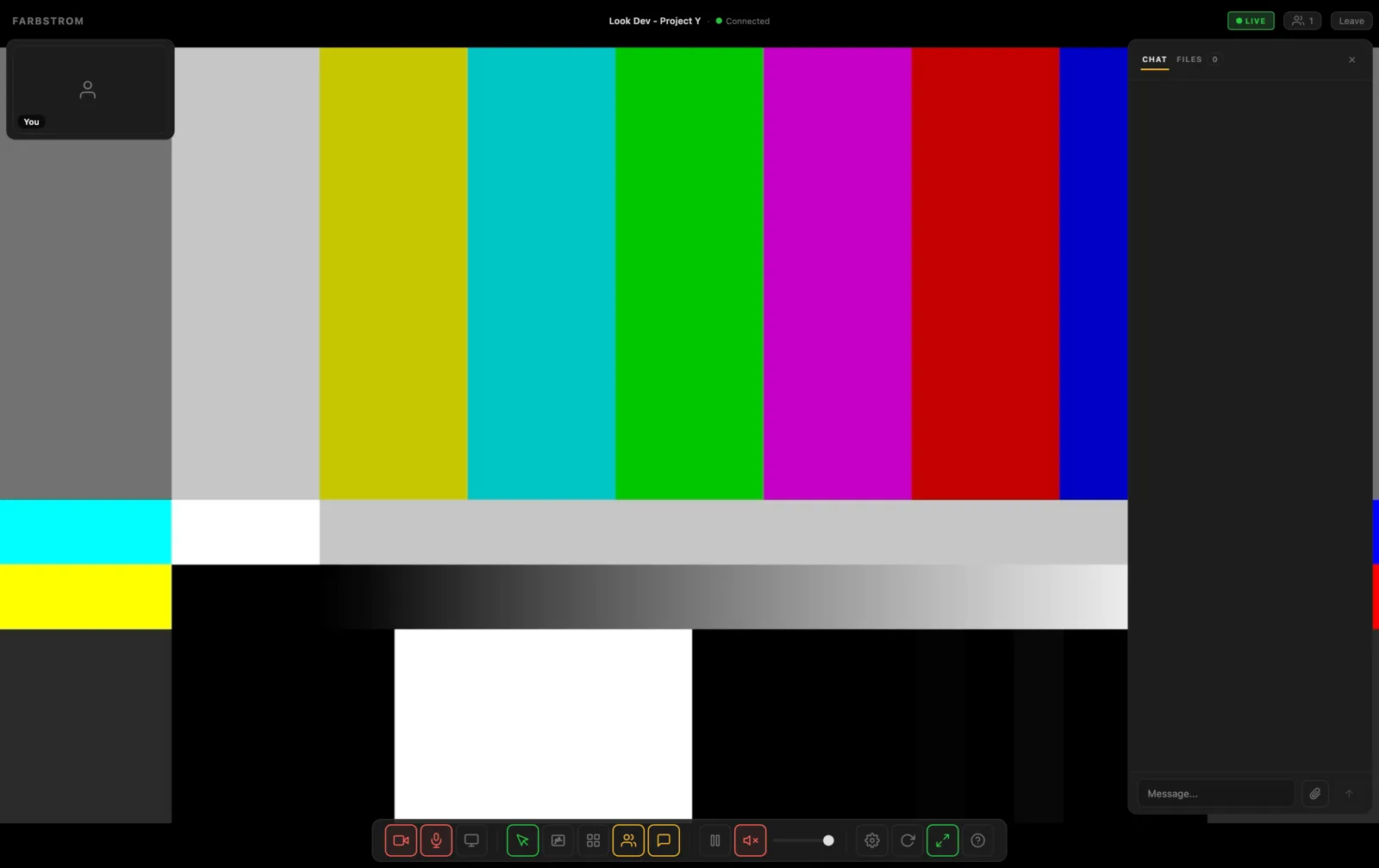
Every room has a side panel with a text chat and the files the host has shared.
Chat
You open and close the panel with the Chat button or C. Type your message and send it. Links in messages can be clicked, and messages from the host are marked so they are easy to spot.
Sending files
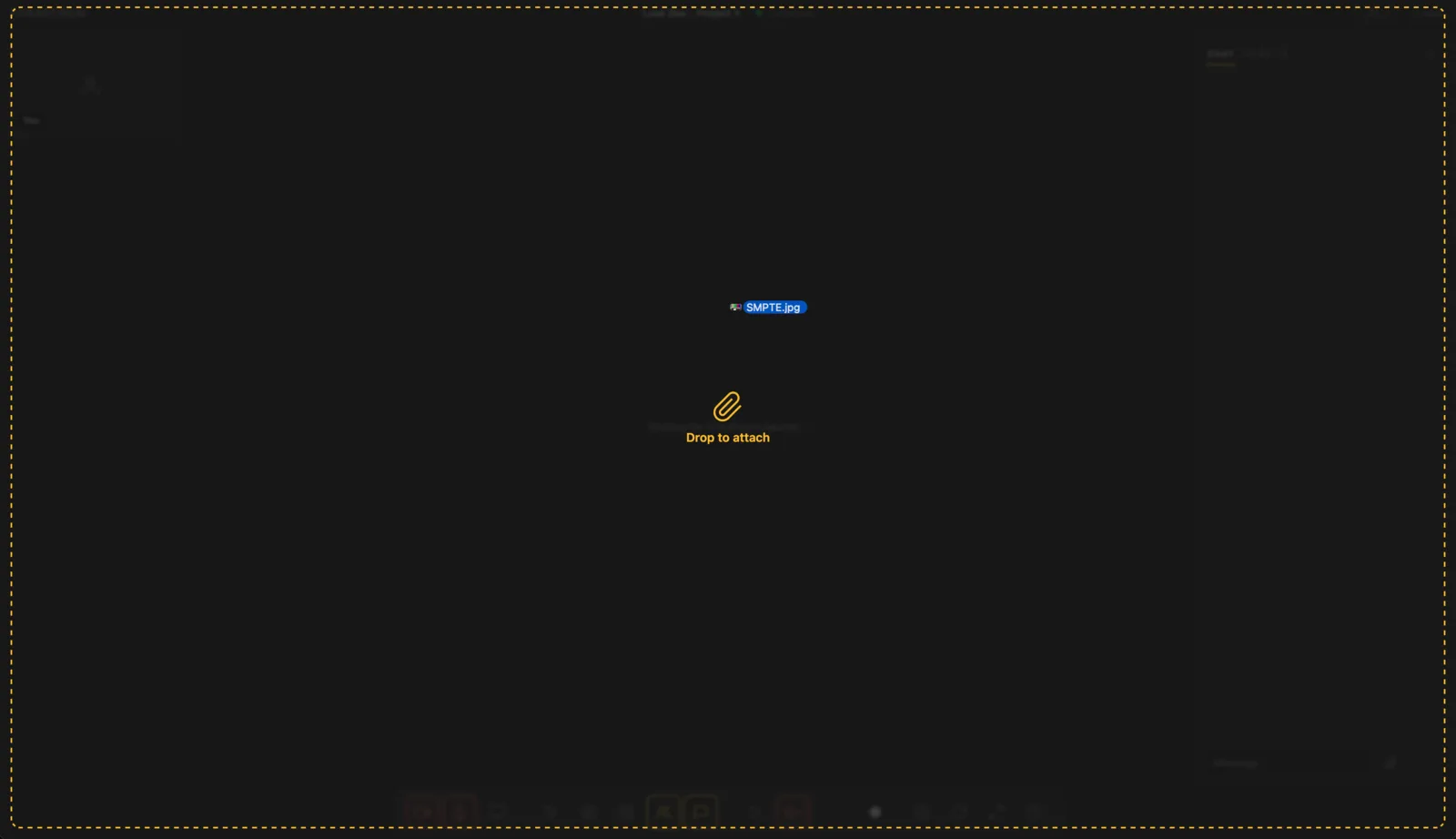
You can attach files with the paperclip button, where you can select several at once, or you can drag them anywhere onto the room. When you drag a file in, the chat panel opens automatically (and fullscreen is closed if it was on), and the files wait in a tray above the message box.
The files upload one after the other, each with its own progress bar and a button to cancel or remove it. When you send, every file that has finished uploading is sent together with your message. Files that are still uploading stay in the tray for the next message, so a large file doesn't hold up the conversation.
Folders can't be sent, only files.
Files
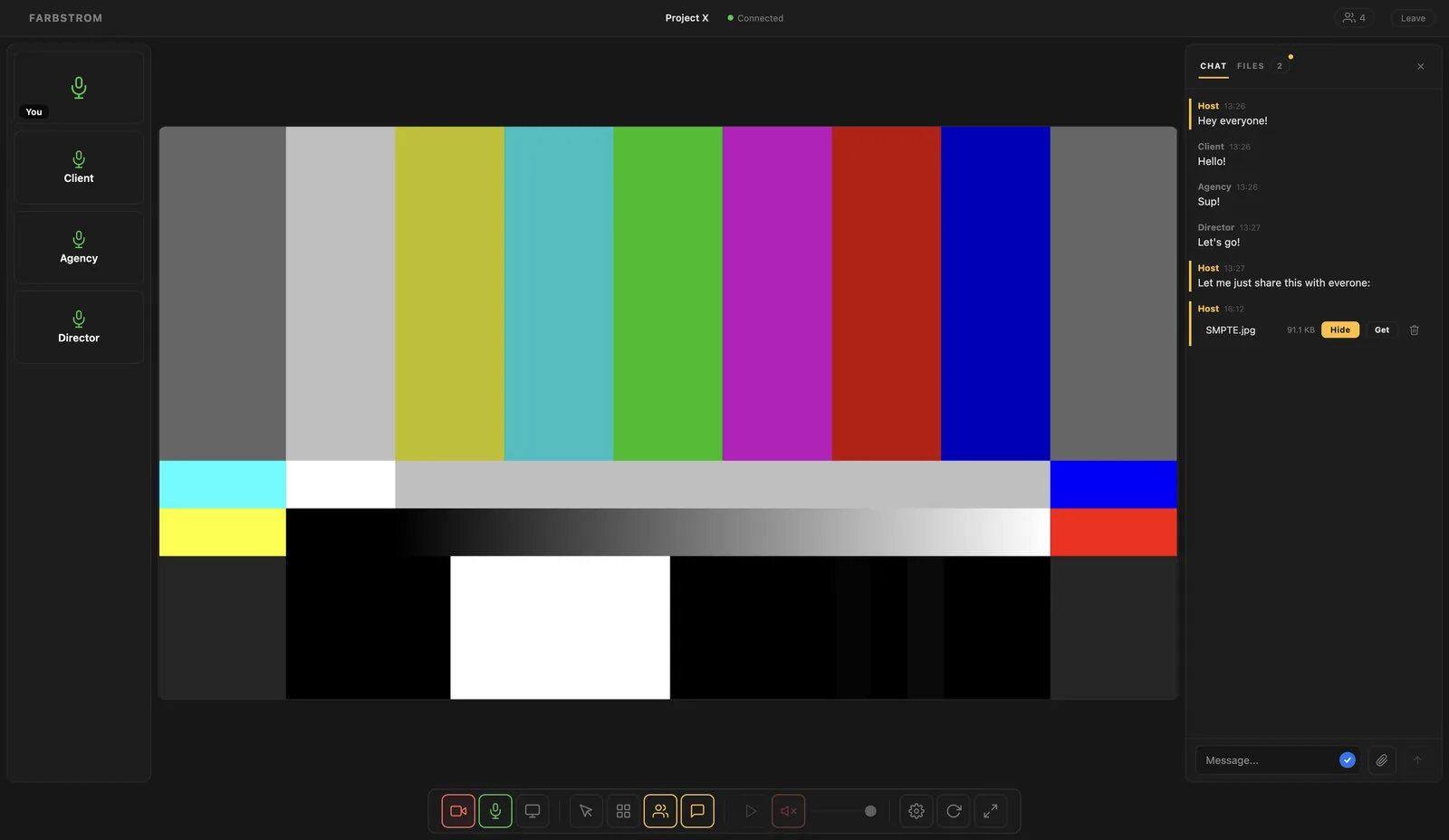
The Files tab of the panel shows every file the host has attached to the room, and Get downloads a file. These files come from the Files tab in the admin.
Hosts can also show an image or a video on the stage so everyone looks at the same reference, or delete a file from the room.
Limits
Files can be up to 2.5 GB each. The following types can be previewed in the room: images (JPEG, PNG, GIF, WebP, AVIF), video (MP4, MOV, WebM), audio (MP3, WAV, OGG, FLAC), PDF, plain text, ZIP, and Word (.docx) and Excel (.xlsx) documents.
Other file types can still be uploaded but are downloaded instead of previewed. SVG files are always downloaded and never shown in the room, for security reasons.